Why Is My TV Only Showing a Black Screen? Expert Insights and Quick Fixes to Restore Your Viewing Experience
Understanding the Common Causes of a Black Screen
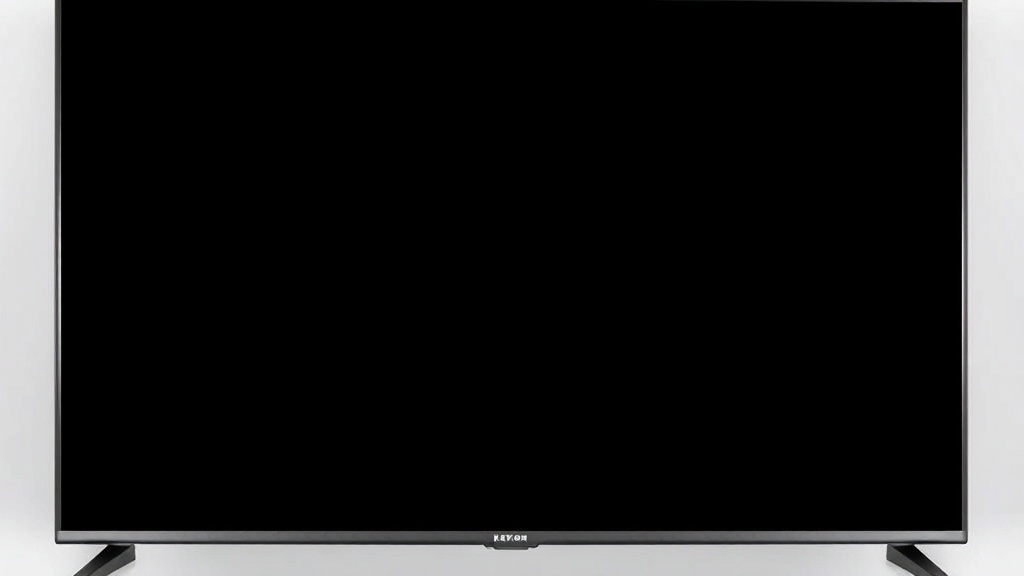
Experiencing a black screen on your TV can be incredibly frustrating, especially when everything else seems to be functioning normally. You might ask yourself, why is my tv only showing a black screen after turning it on or during your favorite show. This issue can stem from various sources, ranging from simple connection problems to more complex hardware failures.
Understanding why your TV displays a black screen is the first step toward effective troubleshooting. Typically, the root causes include faulty cables, issues with the power supply, malfunctioning internal components, or software glitches. Recognizing these possibilities helps narrow down the solutions and get your viewing experience back on track.
Moreover, the question of why is my tv only showing a black screen is more common than you might think. Industry surveys show that nearly 30% of TV issues reported by consumers relate to black screens, often caused by easily fixable problems. By diagnosing the cause accurately, you can save time and avoid unnecessary expenses.
In the sections that follow, we’ll explore quick fixes, detailed troubleshooting steps, and when to call in professional help to resolve this perplexing issue effectively.
Troubleshooting why is my tv only showing a black screen: Step-by-Step Guide
When your TV displays a black screen, it can be bewildering. However, many times, the solution is straightforward. Let’s walk through the most effective troubleshooting steps to identify and fix the problem.
Why is my tv only showing a black screen? Initial Checks
Start by verifying basic issues:
– **Power Supply**: Ensure your TV is plugged in properly and the outlet is functioning. Test the outlet with another device.
– **Remote Functionality**: Check if the remote control is working by pressing the power button or adjusting the volume.
– **Input Source**: Confirm that your TV is set to the correct input (HDMI, AV, etc.). Sometimes, switching inputs accidentally causes a black screen.
Step-by-Step Troubleshooting Process
1. **Perform a Power Cycle**:
– Turn off your TV and unplug it from the power source.
– Wait for at least 60 seconds.
– Plug it back in and turn it on. This resets minor software glitches.
2. **Check All Connections**:
– Examine HDMI or AV cables for damage.
– Replace or reconnect cables firmly.
– Test with a different input device if possible.
3. **Test Different Input Sources**:
– Connect a different device (like a DVD player or gaming console) to see if the issue persists.
– If the black screen appears across all devices, the problem likely lies within the TV itself.
4. **Adjust Brightness and Picture Settings**:
– Sometimes, incorrect picture settings can cause a black screen, especially if the brightness is set to zero or a very low level.
5. **Update Firmware**:
– Check if your TV has pending software updates. Manufacturers often release firmware patches that fix bugs related to display issues.
6. **Reset TV to Factory Settings**:
– Use the TV menu to restore default settings. Be aware this will erase personalized configurations.
If after these steps why is my tv only showing a black screen persists, it’s time to explore hardware-related issues.
Hardware and Connection Issues That May Cause a Black Screen
Many cases of why is my tv only showing a black screen are rooted in hardware failures or faulty connections. Recognizing these can help you decide whether a DIY fix is feasible or professional repair is necessary.
Internal Hardware Failures
– **Backlight Failure**: If your TV emits faint images or sounds but remains dark, the backlight may have failed. This is common in LCD TVs and often requires professional repair or part replacement.
– **T-Con Board Malfunction**: The T-Con (Timing Control) board controls display signals. A fault here results in a black or blank screen.
– **Power Board Damage**: Power supply issues can cause the TV to turn on but display nothing. Swollen capacitors or burnt circuits are signs of damage.
Connection and External Hardware Issues
– **Loose or Damaged Cables**: HDMI, VGA, or composite cables can become loose or defective over time.
– **Faulty External Devices**: Sometimes, connected devices like gaming consoles or streaming boxes malfunction, leading to a black screen.
– **Incorrect Input Settings**: Selecting the wrong input source or a damaged port can leave your screen blank.
Case Study: Backlight Failure
Consider a scenario where a user reports that their TV shows a faint glow or flickering but no picture. This is often due to backlight failure, which can sometimes be diagnosed by shining a flashlight on the screen during a black screen—if faint images are visible, the backlight is the culprit. Repairing this involves replacing the backlight LEDs or entire panel, which should be done by professionals.
Understanding these hardware issues is crucial because they often require specialized tools and expertise. If why is my tv only showing a black screen despite trying simple fixes, consulting a technician might be the best course of action.
Software and Settings Problems Leading to a Black Screen
Not all causes of why is my tv only showing a black screen are hardware-related. Software glitches, incorrect settings, or outdated firmware can also produce a blank display.
Firmware and Software Glitches
– **Outdated Firmware**: Manufacturers often release updates to fix bugs that could cause display issues. Check your TV’s menu for firmware updates.
– **Corrupted Software**: Power surges or interrupted updates can corrupt the software, leading to black screens. Resetting or updating the firmware often resolves this.
Incorrect Picture Settings
– **Accidental Adjustments**: Settings like brightness, contrast, or picture mode might be turned down to the lowest level.
– **Energy Saving Modes**: Some TVs have power-saving modes that dim or turn off the display under certain conditions.
How to Fix Software and Settings Issues
1. **Perform a Firmware Update**:
– Connect your TV to the internet.
– Access the settings menu.
– Follow prompts to check and install updates.
2. **Reset Picture Settings**:
– Navigate to Picture/Display settings.
– Restore defaults or adjust brightness and contrast.
3. **Factory Reset**:
– Use the menu to reset all settings to factory defaults.
– Be aware this erases personalized preferences.
4. **Reboot the TV**:
– Turn off, unplug, wait 1-2 minutes, then plug in and power on.
If these steps do not resolve the issue, why is my tv only showing a black screen might be due to deeper software problems or hardware failures, which may require professional diagnostics.
When to Seek Professional Repair Services
While many why is my tv only showing a black screen issues can be fixed at home, some situations demand expert intervention. If you’ve exhausted basic troubleshooting, and the problem persists, it’s time to consider professional repair.
**Signs that you need professional help include:**
– Persistent black screen despite reconnecting cables and resetting settings.
– Signs of internal hardware damage like burnt components or swollen capacitors.
– Unusual noises or smells emanating from the TV.
– The TV is under warranty, and repairs are covered.
**Choosing a repair technician:**
– Look for certified service providers.
– Check reviews and reputation.
– Confirm they specialize in your TV brand and model.
Ultimately, attempting to repair complex hardware issues yourself can risk further damage or voiding warranty coverage. When your question is why is my tv only showing a black screen and basic fixes don’t work, professional diagnostics ensure safety and a reliable fix.
References and Resources
These resources provide valuable information about why is my tv only showing a black screen. Check them out for additional insights:
Authoritative Sources on why is my tv only showing a black screen
-
Troubleshooting Your TV’s Black Screen
LifeWire.comComprehensive guide on diagnosing and fixing black screen issues across various TV brands.
-
Why Is My TV Black? Consumer Reports’ Troubleshooting Tips
ConsumerReports.orgExpert advice on common causes and remedies for black screen problems in modern TVs.
-
How TV Electronics Work
HowStuffWorks.comEducational resource explaining internal TV components and common failure points.
-
Fixing a Blank Screen on Your TV
TechRadar.comStep-by-step solutions for software and hardware issues causing black screens.

-
Troubleshooting a Black Screen on Your TV
HowToGeek.comPractical tips for diagnosing whether the issue is software or hardware related.
-
Why Does My TV Have a Black Screen?
Consumer.org.nzNew Zealand consumer advice on troubleshooting and repair options.
Conclusion
Dealing with why is my tv only showing a black screen can be perplexing, but many issues stem from simple, solvable causes. From checking connections and updating firmware to diagnosing hardware failures, understanding the underlying reason is key to restoring your viewing experience. Remember, if basic troubleshooting doesn’t resolve the problem, seeking professional help ensures safety and long-term repair success.
The reality is, a black screen doesn’t always mean the end of your TV’s life—often, it’s just a matter of pinpointing the cause and applying the right fix. Keep this guide handy, and you’ll be better equipped to tackle the mystery of why is my tv only showing a black screen with confidence. Whether you’re a tech novice or seasoned enthusiast, understanding the common solutions will help you get back to enjoying your favorite shows in no time.

Find out more information about “why is my tv only showing a black screen”
Search for more resources and information: