Why Your Telus Modem Not Turning On and Simple Steps to Fix It Fast
Understanding the Telus Modem Not Turning On
Experiencing a telus modem not turning on can be frustrating, especially when you’re counting on your internet for work, streaming, or staying connected. This issue might seem straightforward but can stem from a variety of underlying causes. Recognizing what might cause your modem to remain unresponsive is the first step toward fixing it quickly.
Many users wonder why their device suddenly refuses to power up. Whether it’s due to power supply problems, internal hardware failures, or configuration issues, understanding the typical reasons can help you diagnose and resolve the problem faster.
In this guide, we’ll explore common causes, simple fixes, and advanced troubleshooting steps to get your Telus modem back online. If you’ve been searching for solutions to a telus modem not turning on issue, you’re in the right place. Let’s start by examining what might be causing this problem.
Common Causes of telus modem not turning on
Understanding why your Telus modem isn’t powering up requires a look at typical culprits. Here are some common reasons:
Power Supply Issues
Power problems are among the most frequent causes of a telus modem not turning on. This could be due to a faulty power outlet, damaged power cable, or a defective power adapter. Sometimes, the power strip or surge protector might be the culprit if it’s malfunctioning.
Hardware Failures
Over time, internal components can wear out or fail. If your modem has been exposed to power surges or overheating, it might refuse to power on. Physical damage, such as cracks or burns, can also cause hardware failure.
Firmware or Software Glitches
Though less common, firmware corruption can prevent the modem from starting properly. This might happen after a failed update or improper shutdown.
External Factors
Environmental factors like power outages, electrical surges, or even wiring issues within your home can contribute to your modem not turning on.
Simple Fixes for telus modem not turning on
Before calling support, there are several straightforward steps you can try to resolve a telus modem not turning on. Many times, the solution is simple and quick.
Check the Power Connection
Start with the basics: ensure that the power cable is securely plugged into the modem and the wall outlet. Sometimes, a loose connection is all it takes to prevent your device from powering up.
Test a Different Power Outlet
Power outlets can sometimes be faulty. Plug your modem into a different, known-working outlet. If you’re using a power strip, try connecting directly to the wall.
Inspect the Power Adapter and Cable
Look for visible damage like frayed wires or bent connectors. If you have a spare compatible power adapter, try swapping it out.
Perform a Power Cycle
A power cycle can refresh the device and resolve minor glitches:
- Unplug the modem from power.
- Wait for at least 30 seconds.
- Reconnect the power cable firmly.
- Press the power button if applicable, then observe if it powers on.
Reset the Modem
If the modem still won’t turn on, consider performing a reset. Use a paperclip to press the reset button (usually located at the back) for 10-15 seconds. Keep in mind this resets your settings to factory defaults.
Compare Power Indicators
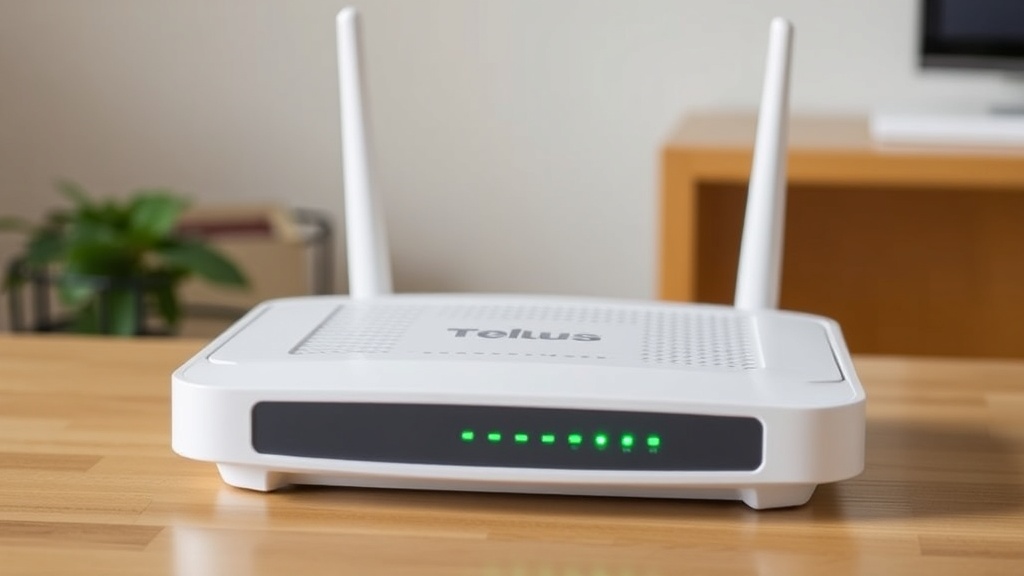
Check the LED lights on your modem. If no lights appear, it’s a sign that the device isn’t receiving power. If lights flicker or stay off, follow the troubleshooting steps above.
Advanced Troubleshooting Steps for telus modem not turning on
If basic fixes don’t resolve the issue, more in-depth troubleshooting may be necessary.
Check Internal Hardware Components
In some cases, internal hardware, like the power supply unit, may be defective. If you’re comfortable opening your device, inspect for burnt components or loose connections. Otherwise, professional repair is recommended.
Update Firmware Remotely or Manually
Firmware corruption can cause startup issues. If your modem powers on intermittently or shows partial indicators, updating firmware via the Telus support site might help.
Compare with a Known Good Device
Testing with a functioning modem can help determine whether the issue is hardware-related or network-related. If your replacement modem powers on normally, the original may need repair or replacement.
Review Electrical Wiring and Surge Protection
Electrical wiring issues or inadequate surge protection can cause power irregularities. Consider installing a surge protector or consulting an electrician for wiring checks.
When to Contact Telus Support
Sometimes, a telus modem not turning on isn’t easily fixable at home. If you’ve tried all the steps above without success, it’s time to reach out to Telus customer support. They can diagnose hardware issues remotely or schedule a technician visit.
Additionally, if your modem powers on but connectivity is unstable, support can help troubleshoot network configurations or replace faulty equipment.
Remember, persistent power issues might indicate a defective device that requires warranty service or replacement.
References and Resources
These resources provide valuable information about telus modem not turning on. Check them out for additional insights:
Authoritative Sources on telus modem not turning on
-
Telus Support – Modem Troubleshooting
telus.comOfficial troubleshooting guide for common modem issues, including power problems and telus modem not turning on.
-
CNET – Fixing Your Internet Modem
cnet.comComprehensive tips on troubleshooting modem power issues, including hardware tests and when to call support.
-
Consumer Reports – Internet Troubleshooting
consumerreports.orgUseful diagnostics for resolving connectivity and power issues in modems and routers.

-
TechRadar – Restarting Your Router
techradar.comStep-by-step guide on power cycling and troubleshooting modem power issues.
Conclusion
Dealing with a telus modem not turning on can be a frustrating experience, but many issues are fixable with straightforward troubleshooting. From simple power checks to more advanced firmware updates, understanding the root cause is key to resolving the problem quickly.
If your efforts to fix the telus modem not turning on don’t yield results, reaching out to Telus support ensures professional assistance. Remember, a functioning modem is essential for maintaining reliable internet access, and addressing power issues promptly can save you time and stress.
Stay proactive, follow the steps outlined here, and you’ll be back online in no time.

Find out more information about “telus modem not turning on”
Search for more resources and information: